
Most senior professionals on LinkedIn are doing it wrong. They send generic connection requests, wait, hear nothing, and conclude that LinkedIn "doesn't work for them." The truth is that knowing how to connect with recruiters on LinkedIn at the VP or director level requires a different playbook than what most career advice covers. Recruiters are not passively waiting for your request. They are running Boolean searches, filtering by keywords, and triaging hundreds of messages a week. This guide walks you through exactly how to get in front of the right recruiters, get responses, and turn those connections into real conversations about real roles.
Table of Contents
- Prepare your LinkedIn profile and strategy for recruiter connection
- Craft personalized outreach messages to connect with recruiters effectively
- Follow up and engage meaningfully to build recruiter relationships
- Common mistakes to avoid and tactics to maximize your LinkedIn recruiter connections
- Tools and features to enhance your LinkedIn outreach efficiency
- Rethinking recruiter connections: Beyond acceptance to strategic pipeline building
- Boost your LinkedIn outreach with AI-powered tools from DM2Hire
- Frequently asked questions
Key Takeaways
| Point | Details |
|---|---|
| Profile optimization | Use role-specific keywords and highlight leadership achievements to increase recruiter search visibility. |
| Targeted outreach | Connect with recruiters specializing in your field through personalized, concise messages. |
| Timely follow-up | Send a brief follow-up within 3-4 business days after initial contact to keep engagement active. |
| Relationship building | Engage authentically with recruiters’ content to build trust and credibility. |
| Leverage LinkedIn tools | Use Boolean searches, LinkedIn Recruiter features, and Premium InMail to enhance connection efficiency. |
Prepare your LinkedIn profile and strategy for recruiter connection
Before you send a single message, your profile needs to do the heavy lifting. Recruiters use keyword searches and filters to find candidates matching specific criteria, which means if your headline reads "Experienced Leader | Open to Opportunities," you are essentially invisible. The words recruiters search for need to appear in your headline, About section, and job descriptions.
Here is what that looks like in practice. A VP of Product should include terms like "product strategy," "roadmap ownership," "cross-functional leadership," and the specific industry verticals they have worked in. A Director of Finance should surface "FP&A," "financial modeling," "board reporting," and relevant software platforms. Optimizing your profile with role-relevant keywords in your headline, summary, and experience sections is what puts you in front of the right recruiters without any outreach at all.
Beyond keywords, your profile needs to reflect measurable impact. Not responsibilities. Results. "Led a team" is forgettable. "Scaled a 12-person engineering team from seed to Series B, reducing time-to-hire by 40%" is what makes a recruiter stop scrolling.
Profile optimization checklist for senior candidates:
- Headline: include your title, 2-3 specialty keywords, and a value signal
- About section: open with a one-line positioning statement, not a career summary
- Experience: lead each role with a quantifiable achievement, not a job description
- Skills section: prioritize the 5-10 skills most searched in your target roles
- Open to Work: use the private "recruiters only" setting to signal availability without broadcasting it
Once your profile is solid, build a targeted recruiter list. Use leveraging LinkedIn's advanced tools and Boolean queries to find recruiters who specialize in your field. A search like ""recruiter" AND "product management" AND "fintech"` in the People filter will surface relevant names fast.
| Approach | What it gets you |
|---|---|
| Mass connecting with all recruiters | Low acceptance rate, low relevance |
| Targeting 10-15 niche recruiters | Higher response rate, better role fit |
| Connecting from a job posting | Direct relevance to an open role |
| Targeting internal talent teams | Access to roles before they go public |
Pro Tip: Check the "People Also Viewed" sidebar on a recruiter's profile. It often surfaces other recruiters at competing firms or agencies who work the same niche.
Craft personalized outreach messages to connect with recruiters effectively
With a polished profile and a targeted recruiter list in hand, your message is the only thing standing between you and a real conversation. Most people overthink this. The most effective first message is short and clearly states your role interests to reduce friction for recruiters. Two to three sentences. That is it.
Here is a structure that works for senior candidates:
- Establish relevance immediately. Name the field or role type you are targeting. "I lead enterprise sales teams in SaaS and I'm actively exploring VP-level opportunities" tells the recruiter in one sentence whether you are worth their time.
- Add one specific signal. A recent achievement, a company you came from, or a specific market you know well. This is what separates you from the other 40 requests in their inbox.
- Make the ask frictionless. "Would you be open to a quick conversation if relevant roles come across your desk?" is easier to say yes to than "Can we schedule a call to discuss my career?"
- Skip the job ask entirely on first contact. Personalized connection requests that mention shared interests, compliment their work, or state a clear role focus improve acceptance rates. Asking for a job in the first message does the opposite.
- Use InMail for priority targets. If you have LinkedIn Premium, InMail reaches recruiters before they have even accepted your connection request. Use it for the top 5 recruiters on your list where speed matters.
Before you hit send, make sure your tailored resume and any leadership collateral (board presentations, case studies, executive bios) are ready to share the moment a recruiter asks. Recruiters move fast. A 48-hour delay in sending materials can cost you a slot in their shortlist.
Pro Tip: Reference something specific from the recruiter's recent activity in your message. If they posted about hiring trends in your industry last week, mention it. It takes 30 seconds and immediately signals that you are not copy-pasting to 200 people. AI-powered LinkedIn outreach tools can generate these personalized messages at scale without losing that personal tone.
Follow up and engage meaningfully to build recruiter relationships
After initiating contact, maintaining respectful and strategic engagement ensures your candidacy stays top of mind. The mistake most senior candidates make is treating a non-response as a rejection. It rarely is. Recruiters are managing 50 to 100 active searches at once. Your message may have been read and mentally flagged for later.

A brief, polite follow-up within 3-4 business days after initial outreach, reaffirming your interest, is the right move. Keep it to two sentences. Something like: "I wanted to follow up on my earlier note. I remain very interested in connecting if VP-level roles in your space come up." That is the entire message.
Beyond direct messages, consistent content engagement is one of the most underused tools for staying visible. Engaging with recruiters' LinkedIn posts by liking, commenting, or sharing keeps you visible and builds credibility. A thoughtful comment on a recruiter's post about hiring challenges in your industry does more for your relationship than three follow-up messages.
Engagement tactics that work without being pushy:
- Comment on recruiters' posts with a genuine perspective, not just "Great post!"
- Share relevant industry articles and tag recruiters where appropriate
- Congratulate them on work anniversaries or new roles (LinkedIn surfaces these automatically)
- Respond to their polls or questions with a specific, informed take
- When they post a new role, comment publicly to signal interest and boost the post's visibility
The strategic engagement approach here is about building a relationship over weeks, not extracting a job lead in days. When a relevant role does open up, you want to be the name that comes to mind first.
Common mistakes to avoid and tactics to maximize your LinkedIn recruiter connections
Recognizing these common pitfalls and adopting expert tactics arms you to get more out of your LinkedIn recruiter networking efforts.
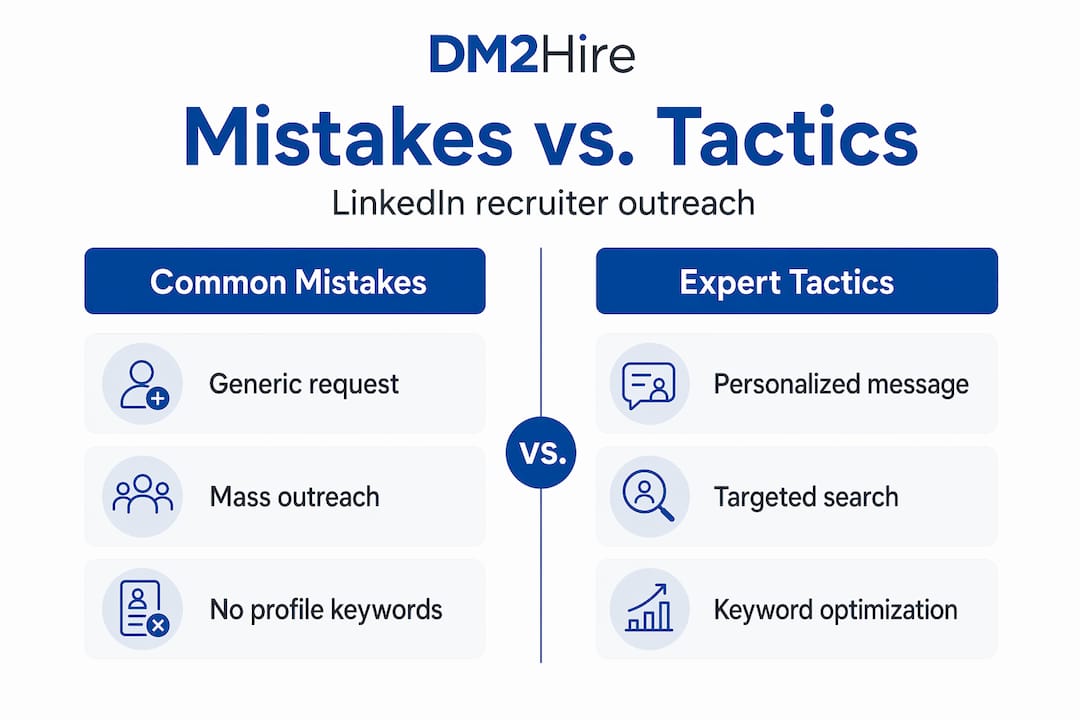
The single biggest mistake senior candidates make is mass, generic outreach, which can backfire badly. Sending the same connection note to 80 recruiters in a week signals low effort and can get your account flagged. Quality always beats volume here.
| Mistake | Better approach |
|---|---|
| Generic "I'd like to connect" request | Two-sentence personalized note with role focus |
| Messaging every recruiter in your field | Targeting 10-15 specialists aligned with your goals |
| Asking for a job in the first message | Asking for a conversation if relevant roles arise |
| Ignoring recruiter content | Engaging consistently with their posts |
| Slow response to recruiter requests | Responding within hours with ready materials |
Mirroring recruiter workflow signals such as role-specific keywords and prompt follow-ups improves your chances of being noticed significantly. Think about it from the recruiter's side: they searched for "VP of Operations" and "supply chain" and your profile appeared. Then your connection note mentioned both terms. Then you responded to their InMail in 90 minutes with a clean, tailored resume. That sequence communicates professionalism before you have said a word about your experience.
Advanced tactics that most senior candidates skip:
- Follow target companies on LinkedIn and watch for internal recruiters posting about team growth
- Join LinkedIn groups where recruiters in your niche are active
- Use the "Alumni" filter to find recruiters who attended your university and lead with that shared connection
- Save recruiter profiles to a spreadsheet with notes on their specialty and last contact date
Pro Tip: Search for recruiters who work at boutique executive search firms, not just large staffing agencies. Boutique firms often handle confidential searches for C-suite and VP roles that never get posted publicly. Connecting with LinkedIn outreach strategies that target this segment can surface opportunities most candidates never see.
Tools and features to enhance your LinkedIn outreach efficiency
Equipped with best practices and tactics, using LinkedIn's built-in tools effectively gives you a real edge in recruiter outreach.
Boolean search is the most powerful free tool available. Combine terms in the People search bar to filter precisely. For example: "talent acquisition" OR "executive recruiter" AND "technology" AND "VP". Add location filters and company size to narrow further. The results are dramatically more targeted than a basic keyword search.
LinkedIn Recruiter tools like Spotlights and saved searches help recruiters identify promising candidates and optimize their workflows. Understanding how these tools work from the recruiter's side tells you exactly how to position yourself. Spotlights, for instance, surface candidates who are "Open to Work," have connections in common, or have engaged with the company's content recently. Each of those signals is something you can actively control.
LinkedIn Premium allows sending InMail to any recruiter, speeding up outreach without waiting for connection acceptance. For a focused 60 to 90-day job search, the cost is worth it.
| Tool | What it does | Best used for |
|---|---|---|
| Boolean search | Filters recruiter profiles by keywords and logic | Finding niche recruiters in your field |
| LinkedIn Premium InMail | Direct messages without connection | Reaching top-priority recruiters fast |
| Saved searches with alerts | Notifies you of new profiles matching criteria | Tracking new recruiters entering your niche |
| Open to Work (private) | Signals availability to recruiters only | Attracting inbound recruiter outreach |
Here is a practical sequence for using these tools together:
- Build a Boolean search for recruiters in your niche and save it with alerts turned on
- Review new results weekly and add the best fits to your outreach shortlist
- Send personalized connection requests to 3-5 new recruiters per week
- Use InMail for the top 2 recruiters where speed matters most
- Set a calendar reminder to follow up on any non-responses after 4 business days
Use LinkedIn outreach tools that track your outreach activity so you know who you contacted, when, and what the result was. Without a system, it is easy to lose track and either over-message the same person or let a warm lead go cold.
Rethinking recruiter connections: Beyond acceptance to strategic pipeline building
Here is the uncomfortable truth most career advice skips: getting a recruiter to accept your connection request is not the goal. It is barely the starting line.
Experienced candidates should treat LinkedIn connections as pipeline engineering, focusing on recruiter searchability and immediate readiness to supply materials. That means your profile is not a resume. It is a searchable asset that needs to rank for the right terms, signal the right seniority, and communicate availability without desperation. Every word on your profile is either helping you appear in searches or costing you visibility.
The pipeline mindset also changes how you think about timing. Most senior candidates reach out to recruiters when they are already in job search mode. The candidates who consistently land faster are the ones who maintain light but consistent recruiter relationships before they need them. A comment here, a shared article there. When the moment comes, they are not cold-calling a stranger. They are re-engaging someone who already knows their name.
Mirroring recruiter workflow signals through targeted keywords and timely messages helps candidacies stay visible and relevant long after the initial connection. Recruiters work with saved searches and candidate pools that they revisit over months. If your profile keywords match what they saved six months ago and you have stayed active on the platform, you will keep appearing in their results.
The candidates who treat LinkedIn as a pipeline, not a job board, are the ones who get called first. Building optimized LinkedIn pipelines that run consistently in the background is not a luxury for senior job seekers. It is the strategy.
Boost your LinkedIn outreach with AI-powered tools from DM2Hire
Knowing the right approach is one thing. Executing it consistently while managing your current role, your search, and your life is another.
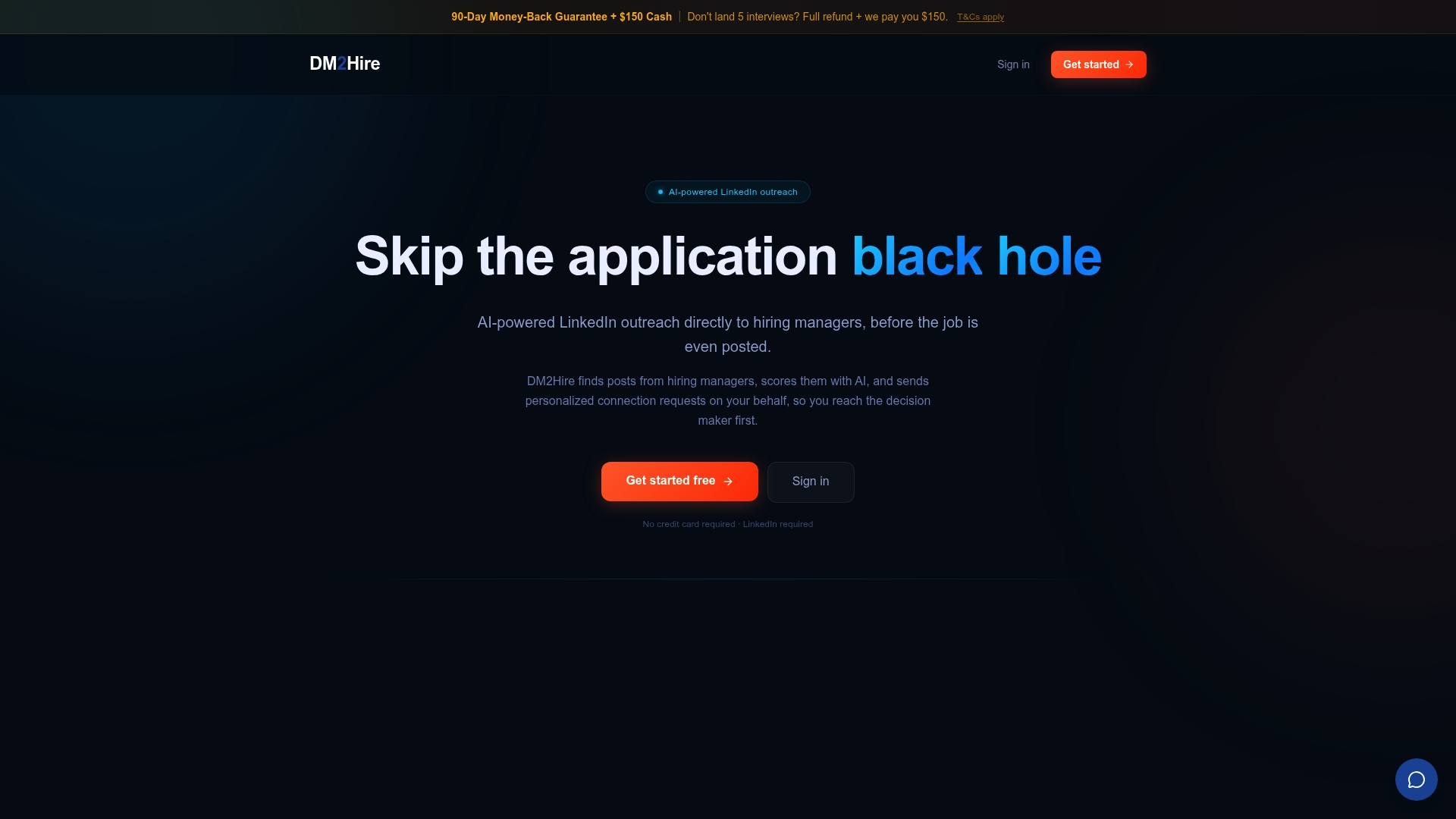
DM2Hire is built specifically for senior professionals who want to reach hiring managers and recruiters directly, without spending hours on manual outreach every day. The platform scans LinkedIn daily for decision-makers posting about the roles you are targeting, scores each post for relevance, and generates personalized connection requests and messages based on your actual resume and keywords. You review and approve, or switch on Autopilot and let it run. Built-in follow-up sequences keep warm leads from going cold, and a daily digest shows you exactly what ran and who replied. Explore the DM2Hire landing page to see how it works, or go straight to choosing your plan based on your search intensity.
Frequently asked questions
How soon should I follow up with a recruiter after sending a connection request?
Following up after 3 to 4 business days with a brief, polite message reaffirming your interest is the right cadence. Keep the follow-up to two sentences maximum.
What should I include in my first message to a recruiter on LinkedIn?
Your first message should state your current seniority level, the type of role you are targeting, and one specific signal (a key achievement or industry focus). Keep the first message concise and focused to reduce friction and encourage recruiter interest.
Can upgrading to LinkedIn Premium help with contacting recruiters?
Yes. LinkedIn Premium users can send InMail to any recruiter without waiting for connection acceptance, which is especially useful when you need to move fast on a target opportunity.
How do recruiters search for candidates on LinkedIn?
Recruiters use Boolean logic, filters, and tools like Spotlights to identify candidates fitting specific roles and criteria. Matching your profile keywords to the terms recruiters search for is the most direct way to get found.
What is the best way to stay visible to recruiters who don't respond immediately?
Engaging with their LinkedIn posts through thoughtful comments or shares keeps you visible and builds credibility over time, without requiring any additional direct messages.